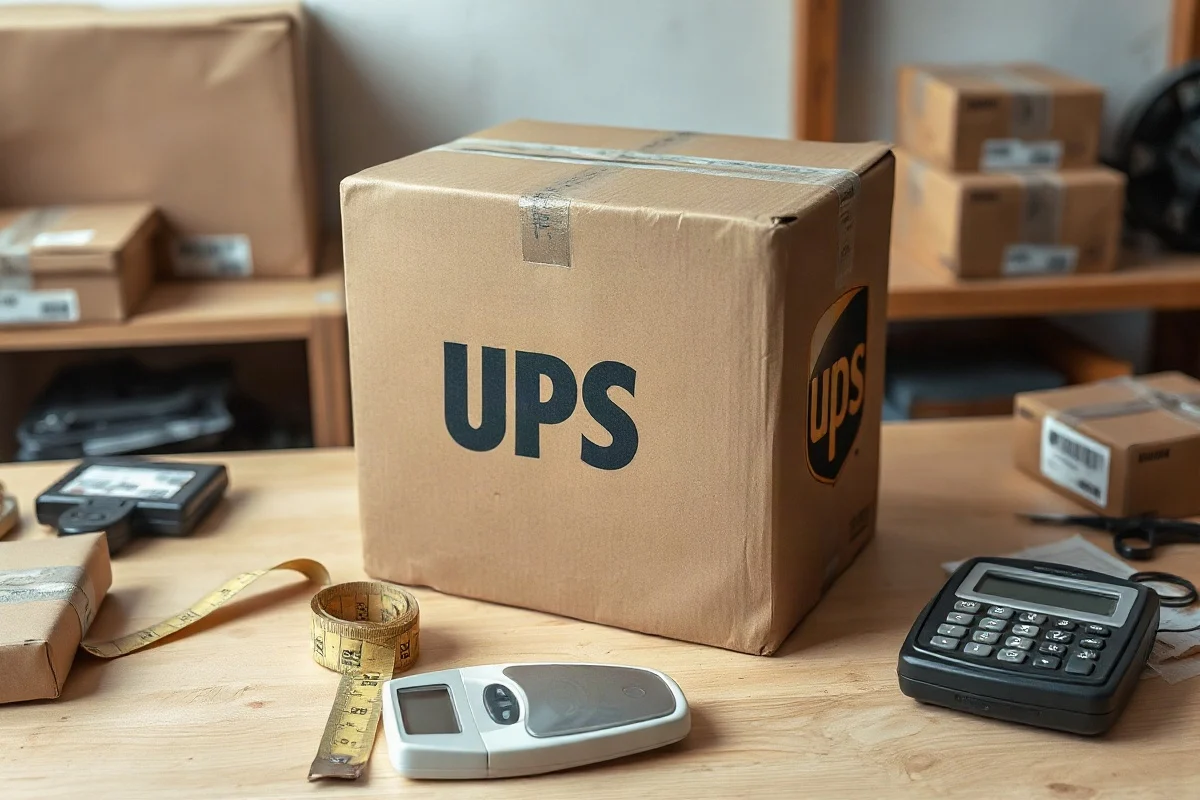
Maybe—but the answer depends on your UPS service, destination, package type, and the current size and weight rules for that shipment. A box is more likely to cause a problem when it exceeds the service’s maximum length, combined length-and-girth limit, weight allowance, or dimensional-weight threshold. Measure the sealed package, calculate its billable size, and compare the results with the current UPS requirements before purchasing a label.
UPS rules can vary by service level and can change over time. The safest approach is to check the official UPS page for the exact service and destination you plan to use. If UPS classifies the parcel as oversized or applies an additional handling rule, the price may be higher even when the package is accepted.
What makes a UPS box too large?
There are several different ways a box can be considered too large. A package may exceed the maximum measurement for its longest side, exceed the allowed length plus girth, or be large enough to trigger special handling. A lightweight box can also become expensive because its space on the delivery vehicle matters more than its actual scale weight.
For most rectangular packages, the key measurements are:
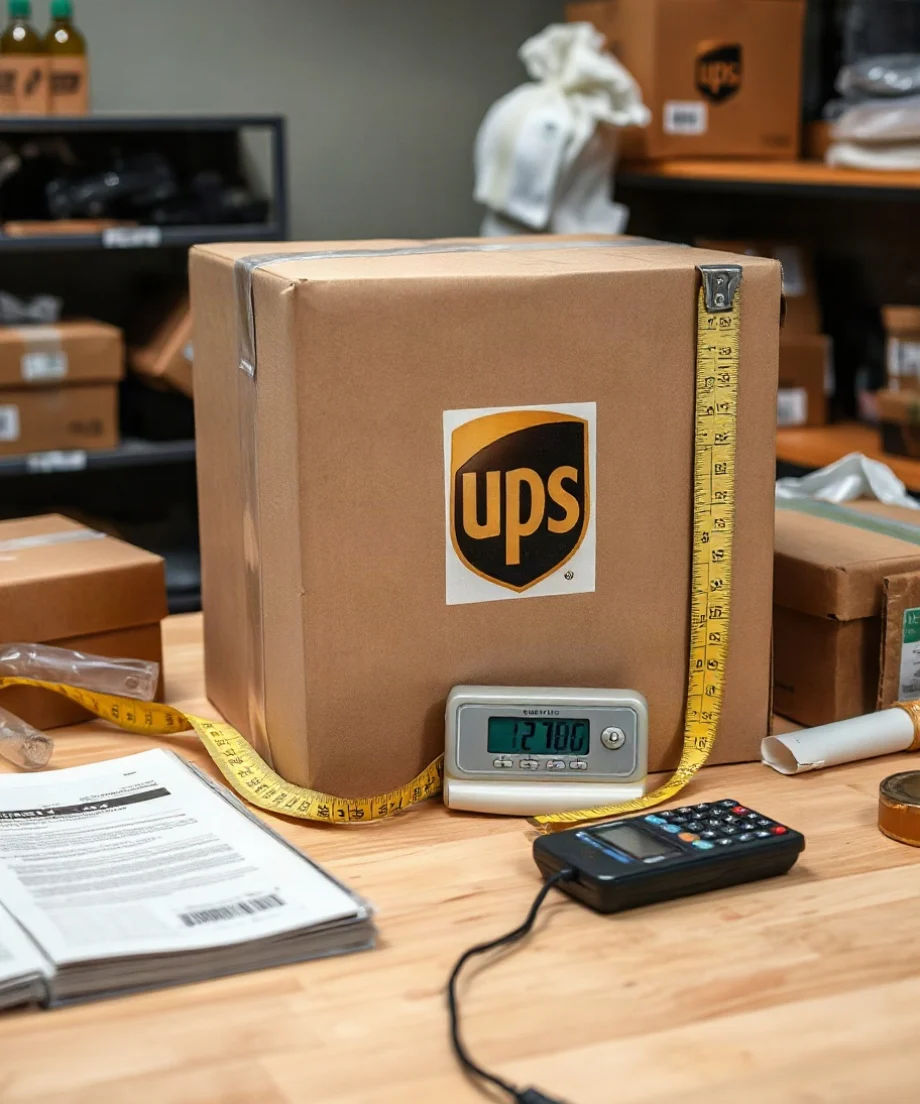
- Length: the longest side of the package.
- Width: the side that runs across the package.
- Height: the remaining side.
- Weight: the total packed and labeled weight.
UPS may use a combined measurement commonly described as length plus girth. Girth is the distance around the package in the direction perpendicular to its length:
Girth = 2 × width + 2 × height
Length plus girth = length + 2 × width + 2 × height
Use the outside dimensions of the finished parcel, not the inside dimensions printed on the box. If tape, padding, bulging contents, or an uneven flap makes the package larger, measure the package at its widest and longest practical points.
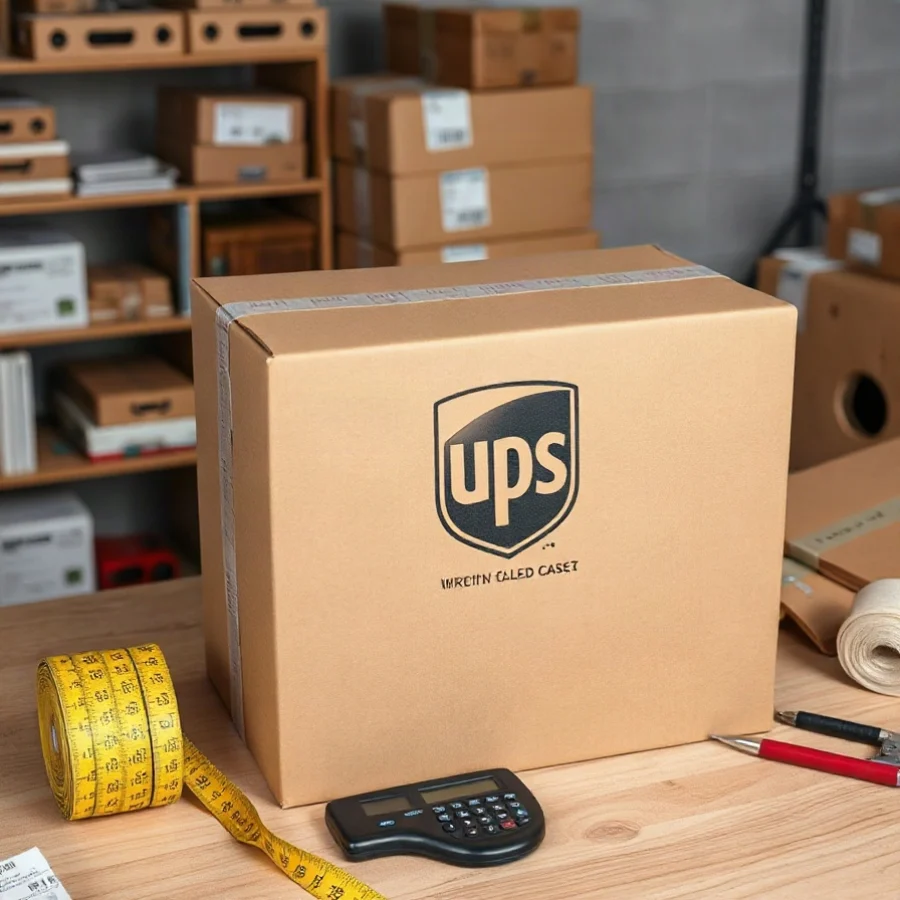
How to measure a box for UPS
1. Pack and seal the box first
Do not measure an empty carton and assume the final package will be the same size. Place the product, cushioning, paperwork, and any protective material inside the box. Close every flap and apply the tape before taking measurements.
Heavy contents can push out the side panels. Fragile contents may require extra cushioning that increases the outside dimensions. A box that appears to be a standard size before packing can become slightly larger after it is filled.
2. Measure the three outside dimensions
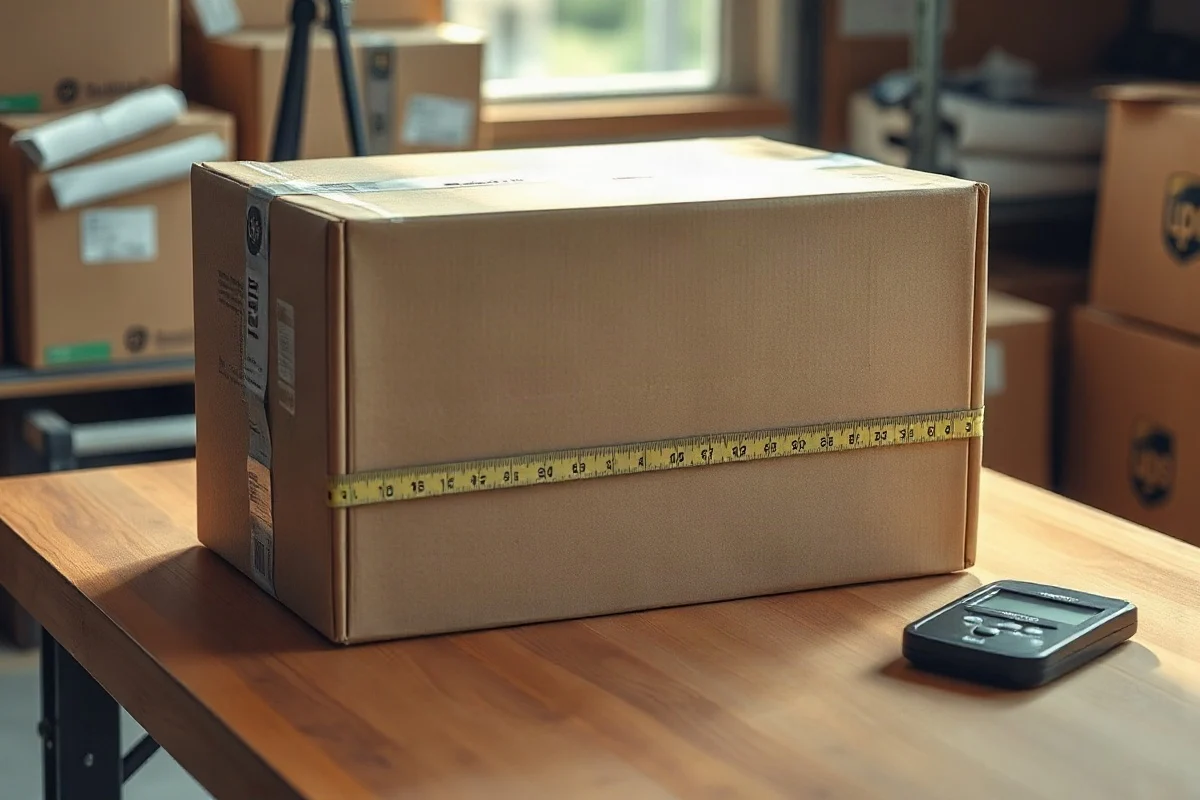
Measure the longest side as the length. Then measure the other two sides as width and height. Keep the tape measure straight and record the measurements in the unit required by the shipping tool or label system.
If a package has rounded, irregular, or protruding sections, use the largest usable measurements. Do not compress the box while measuring. A carrier may measure the parcel as tendered, and a small difference can affect the package’s billable size.
3. Weigh the completed package
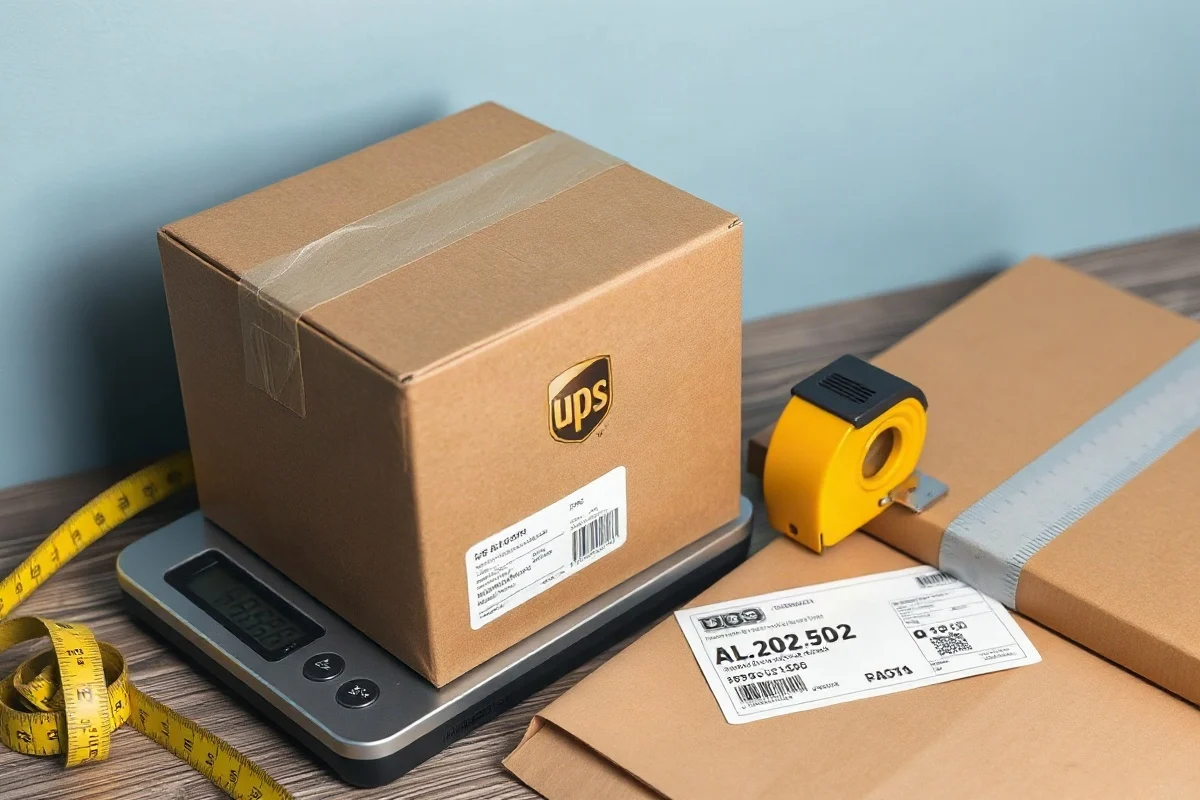
Use a scale that can support the parcel without the box touching the floor. Include the box, inner packaging, product, label, and any outer wrap. Record the weight using the unit requested by the UPS service or online shipping application.
For a very heavy package, weigh the contents and packaging separately if necessary, then confirm the total with a suitable platform scale. Rounding practices can vary by system, so enter the weight according to the instructions shown when you create the shipment.
For a visual walkthrough, see our guide to measuring a package for UPS.
Check more than the longest side
Looking only at the length can lead to a misleading answer. A box may have a moderate longest side but still be too large because it is wide and tall. Calculate length plus girth before you compare the package with UPS requirements.
For example, suppose a sealed carton measures 30 inches long, 18 inches wide, and 16 inches high. Its girth is:
2 × 18 + 2 × 16 = 68 inches
Its length plus girth is:
30 + 68 = 98 inches
This calculation does not by itself prove that the parcel is accepted or rejected. It gives you a measurement to compare with the current rules for the selected UPS service. The same box may be treated differently depending on whether it is shipped through a retail counter, an online account, a contract shipping program, or a particular service level.
Dimensional weight can make a large box expensive
A package does not need to be heavy to receive a high shipping charge. Carriers may calculate dimensional weight, sometimes called volume weight, for packages that occupy substantial space compared with their scale weight. The carrier compares the actual weight with the dimensional-weight result and uses the applicable billable weight under its current rules.
The general process is:
- Multiply the package’s length, width, and height to find its cubic volume.
- Apply the dimensional-weight divisor specified for the service and shipment.
- Compare the result with the actual scale weight.
- Use the billable-weight method required by the current UPS terms or shipping system.
Do not assume that one divisor applies to every UPS shipment. The divisor and related conditions can vary by service, destination, package type, and account arrangement. Check the current UPS documentation or use the rate calculation screen for the exact shipment. You can also estimate package volume with our dimensional weight calculator, but treat the result as an estimate unless it matches the current carrier rules.
Example: reducing an oversized carton
Imagine a product fits inside a 24-by-18-by-18-inch carton, but the item only needs a small amount of clearance. The box has a volume of 7,776 cubic inches. Replacing it with a 24-by-16-by-14-inch carton reduces the volume to 5,376 cubic inches.
The second carton may reduce dimensional weight and leave less unused space, even though the longest side remains 24 inches. It may also reduce the length-plus-girth measurement. Before switching cartons, make sure the product still has enough clearance and protection for handling.
Ways to make a large UPS package smaller
Choose the closest practical box size
Start with the product’s dimensions and add only the clearance needed for cushioning. Avoid automatically adding several inches on every side. Excess empty space increases the carton’s volume and can allow the item to shift during transport.
Use protective material efficiently
Replace loose filler with a packaging method that provides reliable protection without creating unnecessary bulges. For fragile items, test the packed box by gently shifting it. If the product moves, add protection or use a better-fitting carton rather than simply filling the entire box with extra material.
Do not force the contents into a smaller box
A carton that is too tight may split at the seams, crush the product, or create an uneven surface. The goal is not the smallest possible package; it is the smallest package that remains strong, securely closed, and appropriate for the contents.
Consider splitting the shipment
For some orders, two smaller packages may be easier to handle than one large carton. However, splitting a shipment does not automatically reduce the total cost. Compare the combined price, dimensional weight, handling requirements, and delivery options before making the decision.
What to check before buying a UPS label
- Confirm the selected UPS service and destination.
- Measure the outside of the sealed package.
- Calculate length plus girth.
- Compare actual weight with estimated dimensional weight.
- Review the current UPS rules for maximum dimensions, weight, oversized packages, and additional handling.
- Enter accurate measurements in the shipping platform.
- Keep a record of the packed dimensions if you ship the same product repeatedly.
Online rates can change when a carrier measures the parcel and finds different dimensions or weight. Inaccurate measurements may lead to a later adjustment, so it is better to measure conservatively and enter the finished package size rather than the nominal carton size.
When to use a different package or service
If your parcel is near a stated limit, do not rely on a measurement that is rounded down. Reduce the package size if possible, or confirm acceptance with UPS before tendering it. A package with unusual dimensions, an irregular shape, fragile contents, or a high declared value may need additional review.
For a broader comparison of packaging and carrier considerations, browse the UPS package guide. If you are comparing carriers, review the current official requirements for each one instead of assuming that a box accepted by one carrier will receive the same treatment from another.
The practical answer is simple: your box is too large for UPS when it exceeds the current limits for the service you selected or when its size creates a surcharge or special-handling condition you are not prepared to pay. Measure the final package, calculate length plus girth, estimate dimensional weight, and verify the current official UPS requirements before shipping.
Comments
0No comments yet. Be the first to share a helpful note or question.
Leave a Comment
Your email address will not be published. Comments are reviewed before appearing on the site.