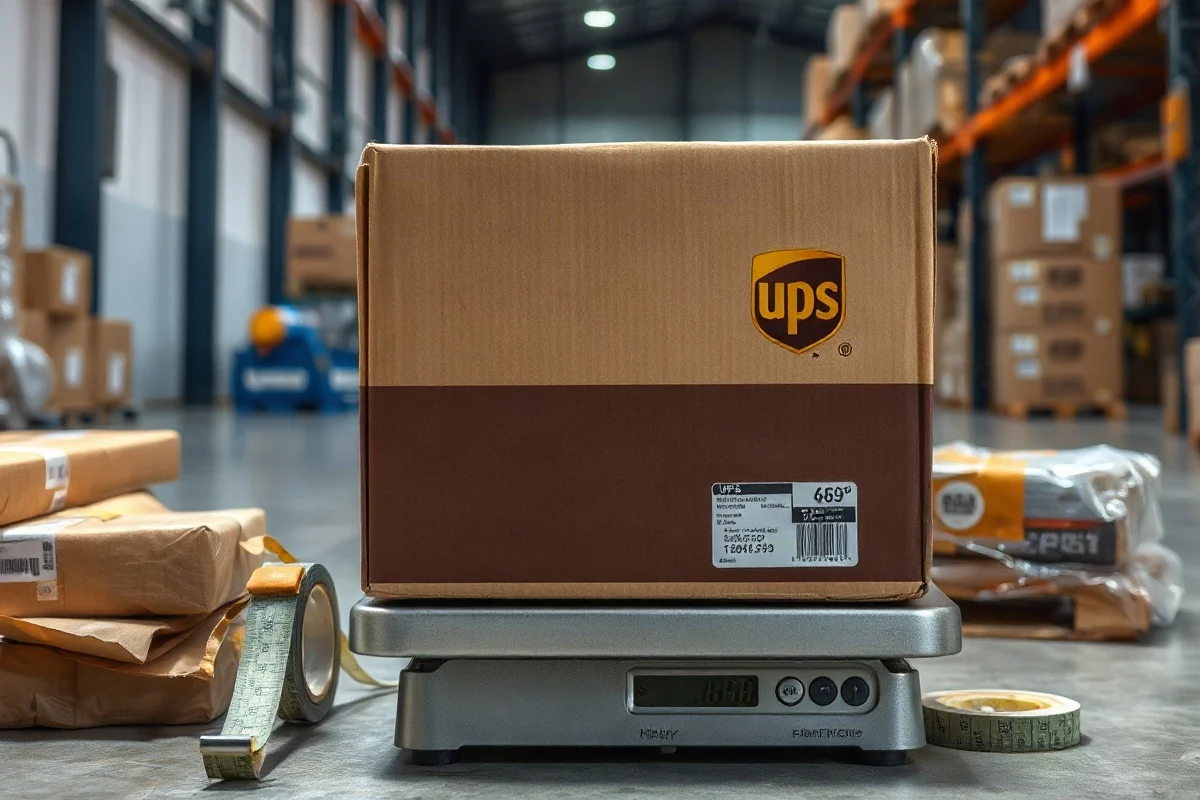
If a UPS package is overweight, UPS may accept it and adjust the shipment charges, apply an additional handling or large-package fee, delay processing, or refuse the package if it exceeds the applicable service limits. The result depends on the UPS service, origin, destination, package type, account terms, and the carrier’s current rules. Before handing over the package, weigh it after sealing, measure the outside dimensions, and compare the results with the current requirements for the specific UPS service you selected.
An incorrect weight does not usually make the shipment disappear, but it can create unexpected charges and handling problems. A package that is too heavy for a particular service may need to be repacked, divided into multiple cartons, or shipped using a different service. Because UPS limits, fees, and definitions can change, always verify the current information in the official UPS service guide or shipping application before tendering the package.
What UPS May Do With an Overweight Package
There is no single outcome for every overweight shipment. UPS may discover the problem at several points, including when the label is created, when the package is accepted at a location, during hub processing, or when the shipment is delivered. Possible outcomes include:
- Charge adjustment: UPS may replace the weight entered on the label with a measured or corrected weight and bill the difference.
- Additional handling charges: A heavy, oversized, unusually shaped, or difficult-to-handle package may qualify for an extra fee under the current service rules.
- Shipment delay: The package may be moved to a different handling process or held while the shipping information is corrected.
- Refusal or return: If the package exceeds a maximum allowed weight or another restriction for the selected service, UPS may refuse it, stop it in transit, or return it to the sender.
- Repacking requirement: A UPS Store, access point, retailer, or other drop-off location may decline the package if it cannot safely accept the size or weight.
Whether a fee is added and how it is calculated can depend on the billed weight, package dimensions, service level, destination, and the terms associated with your UPS account. Do not assume that a package will be weighed only once or that the weight shown on a home scale will be the final billable measurement.
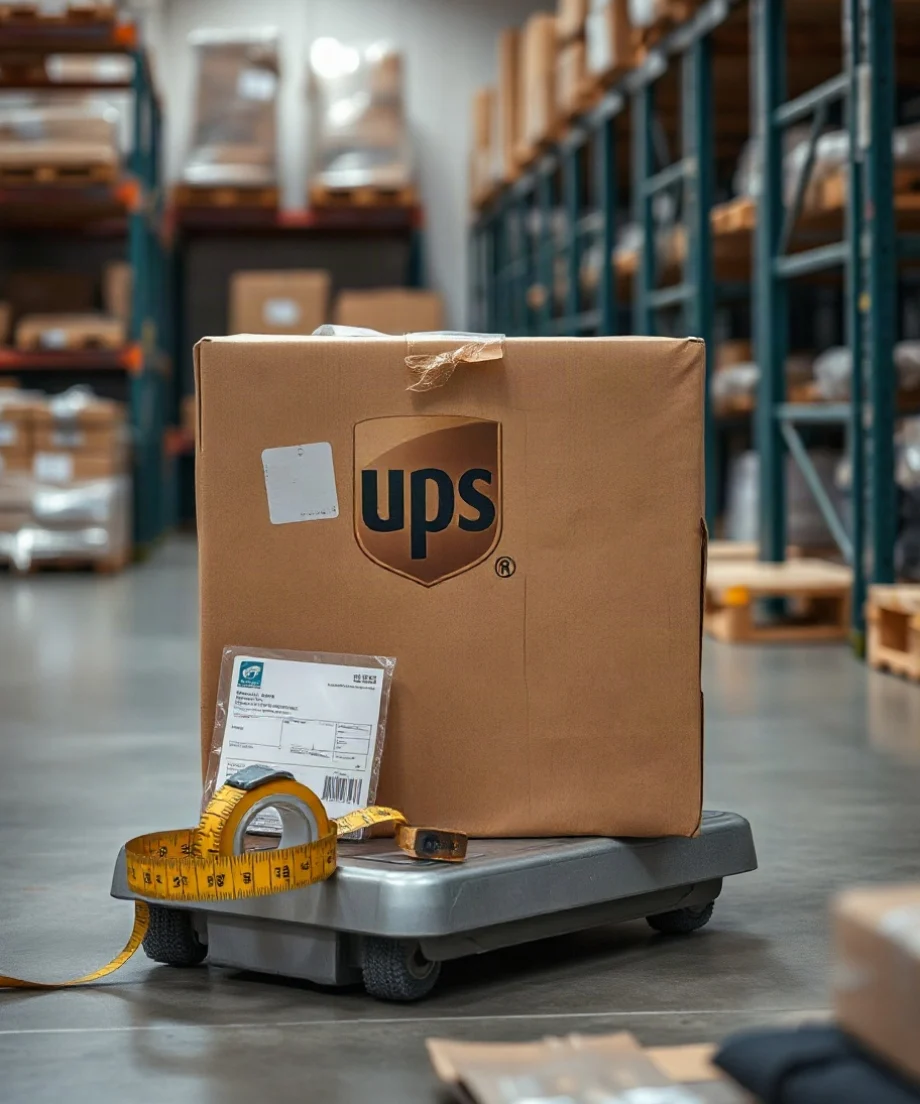
Check the Package’s Actual Weight
Use the package’s final shipping weight, not the weight of the item alone. The final weight includes the product, inner packaging, cushioning, box, tape, labels, and any other material that ships with the parcel.
How to weigh a small or medium box
- Finish packing and seal the box completely.
- Place a household shipping scale on a hard, level surface.
- Zero or tare the scale before placing the package on it.
- Keep the entire package on the platform without allowing it to rest against a wall or nearby object.
- Record the weight using the unit required by the shipping tool or label.
- Round only as instructed by the shipping software or current UPS terms. Do not guess or round down.
For a heavy carton, use a properly rated floor scale. If the box is too large for a household scale, weigh yourself, weigh yourself while holding the box, and subtract the first reading from the second only as a rough check. A commercial or certified scale is better for high-value shipments, business shipping, or packages close to a service threshold.
Scales can disagree because of calibration, uneven floors, batteries, or packages that extend beyond the platform. If the package is close to a limit, leave a small margin rather than packing to the exact maximum. A minor difference between your measurement and UPS’s measurement can affect billing or acceptance.
Measure the Outside of the Sealed Box
Measure the finished package after it is packed and sealed. Use the greatest length, greatest width, and greatest height, including bulges, corner protection, protruding tape, and other parts of the package that affect its overall envelope.
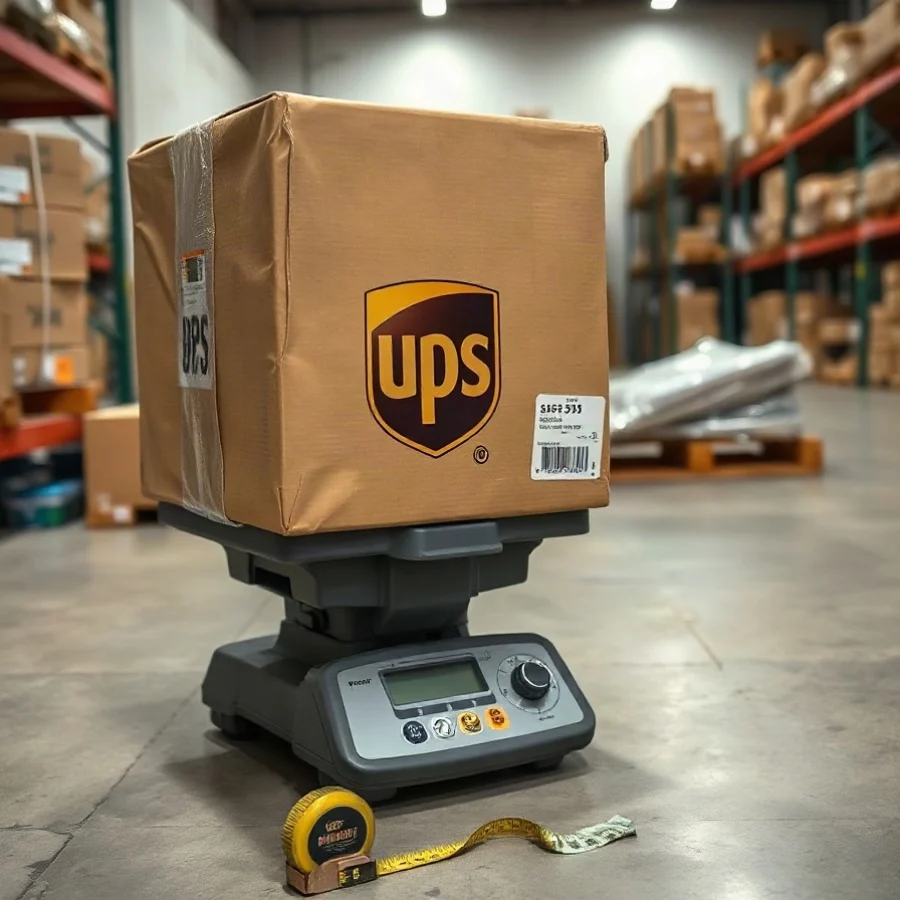
For a rectangular box, measure these three dimensions:
- Length: the longest side
- Width: the side perpendicular to the length
- Height: the remaining side
Write down the measurements in the same unit used by your UPS shipping system. If you measure in centimeters but the label requires inches, convert before entering the values. One inch equals 2.54 centimeters, so inches can be calculated by dividing centimeters by 2.54. Avoid converting each dimension by rough mental rounding when the box is near a size or billing threshold.
For an irregular package, measure the smallest rectangular space that could contain the entire parcel. A soft-sided package may expand after it is packed, while a carton with a protruding item may measure larger than the box itself. Measure the package as presented for shipment, not the manufacturer’s listed product dimensions.
Check Dimensional Weight Too
A package can be under a physical weight limit and still cost more because of its size. Carriers often compare actual weight with dimensional weight, which estimates the space a package occupies in transportation. The greater applicable value may become the billable weight, subject to the service’s current rules.
The general calculation is:
Dimensional weight = length × width × height ÷ dimensional divisor
The divisor is not universal. It can vary by carrier, service, shipment type, destination, and current pricing rules. Do not insert a familiar number from another carrier or an old shipping table. Check the current UPS documentation or the divisor displayed by your shipping platform.
For example, a carton measuring 24 × 18 × 16 inches has a volume of 6,912 cubic inches. Divide that volume by the applicable current UPS divisor to estimate dimensional weight, then compare it with the package’s actual weight according to the relevant billing rules. The example demonstrates the method; it does not establish a current UPS divisor or final charge.
You can also review the dimensional weight calculator to estimate how a box’s size may affect shipping. Enter the final outside dimensions and confirm the result against the carrier’s current terms before buying the label.
How to Tell Whether the Package Is Too Heavy
“Overweight” can mean several different things. Your shipment may be overweight because:
- the actual scale weight is above the maximum allowed for the selected UPS service;
- the weight entered during label creation is lower than the measured package weight;
- the package qualifies for an additional handling category because of its weight, shape, or size;
- the package exceeds a rule imposed by a marketplace, shipping software, drop-off location, or contract; or
- the package’s dimensional or billed weight is higher than expected.
These are separate issues. A box may be accepted because it is within the physical maximum but still receive a billing adjustment. Another package may have an accurate label weight but be rejected because the selected service does not accept its size or packaging configuration.
Review the UPS service name on the label, the shipment origin and destination, and the package type. Then check the current UPS requirements for that exact combination. Rules can differ between domestic and international shipments and between residential, commercial, retail, and contract arrangements.
What to Do Before You Ship
1. Reweigh the sealed package
Remove uncertainty by weighing the final carton with all labels and packing materials attached. If the number is close to a limit, weigh it again on a second suitable scale or at a staffed shipping location.
2. Verify the dimensions
Measure length, width, and height at the widest points. Check whether the package is subject to dimensional billing or a special handling category. A smaller, more compact box can sometimes reduce the billable weight even when the product weight stays the same.
3. Repack safely
Do not remove protective material simply to lower the scale reading. Instead, choose a box that fits the contents with enough cushioning to prevent movement and damage. Use a strong carton appropriate for the product’s weight, reinforce seams with shipping tape, and distribute heavy items evenly across the bottom.
If the product is very heavy, divide it into two or more packages when practical. Each carton should be independently sealed, labeled, and able to withstand normal handling. Splitting a shipment may change the total price, so compare the full cost and confirm whether your marketplace or customer order requires a particular shipment structure.
4. Correct the label before pickup
If you already printed a label with the wrong weight, do not simply write a new number on it. Update the shipment in the system that created the label or cancel and recreate the label according to that provider’s process. If a third-party platform generated the label, check its instructions as well as UPS requirements.
5. Confirm the acceptance location
Drop-off sites may have their own practical restrictions, equipment, hours, or acceptance procedures. A location that accepts ordinary parcels may not be equipped to handle a large or heavy carton. Contact the location before traveling if the package is difficult to lift, unusually large, or close to a service limit.
How to Reduce Overweight Shipping Problems
Build a simple measurement routine for every shipment:
- Pack the product completely.
- Record the final actual weight.
- Measure the exterior dimensions.
- Calculate or estimate dimensional weight using the current applicable divisor.
- Enter accurate information into the label system.
- Save the measurement record for expensive or recurring shipments.
For businesses, keep a reference list of product-and-box combinations, but recheck the list whenever you change cartons, cushioning, tape, or fulfillment procedures. A small packaging change can alter both actual weight and dimensional weight.
Use a box-sizing reference such as the box size calculator when comparing carton options, and review the UPS package guide for related packaging and service information. These tools can help organize the calculation, but the current UPS source remains the authority for acceptance rules, fees, and billing.
What If UPS Has Already Charged You?
Compare the original label information with the shipment invoice or billing adjustment. Check whether UPS used a different actual weight, dimensional weight, measurement, or package classification. Keep photographs of the sealed package, scale readings, and outside measurements when the shipment is valuable or the difference is significant.
If you believe the adjustment is incorrect, contact the party that billed the shipment and follow its dispute process. Provide the tracking number, invoice details, measurements, scale information, and any supporting photographs. The correct contact may be UPS, your shipping software provider, a marketplace, or an account administrator, depending on who purchased and billed the label.
The safest approach is to treat weight and dimensions as part of the shipping label, not as an afterthought. Accurate measurements help you select an appropriate service, avoid preventable billing adjustments, and identify when a package should be repacked or divided before it enters the UPS network.

Comments
0No comments yet. Be the first to share a helpful note or question.
Leave a Comment
Your email address will not be published. Comments are reviewed before appearing on the site.