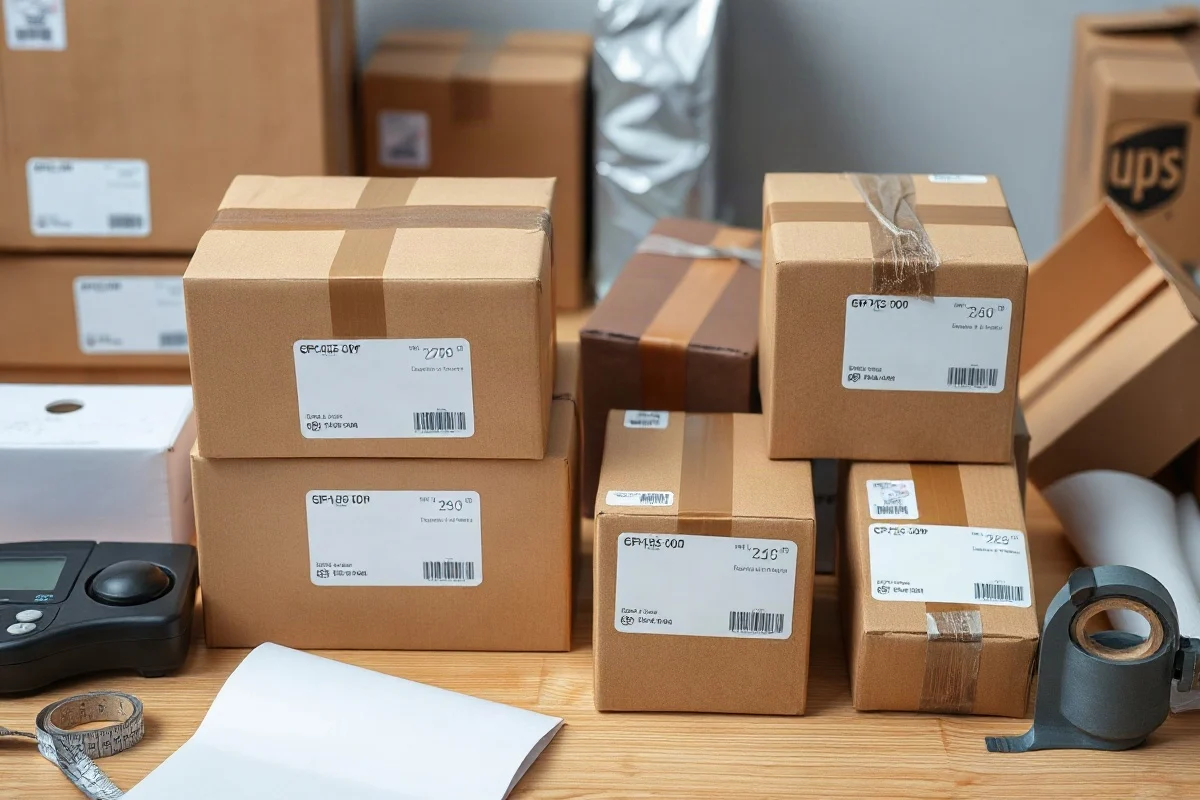
To ship multiple boxes to the same address with UPS, create a separate shipping label for every box, attach the correct label to its package, and enter each package in the shipment exactly as it will be tendered to UPS. Do not place one label on a group of boxes or assume that one tracking number covers the entire shipment. A multi-package shipment may be handled together, but each package still needs its own identifying label, measurements, weight, and tracking record.
The most reliable process is to pack and measure every box, compare the packages with the selected UPS service requirements, create the labels in one shipment when the shipping tool allows it, and keep a record of all tracking numbers. Because UPS services, surcharges, dimensional-weight rules, and package limits can vary by service, destination, account, and date, verify the current details in the official UPS shipping system before paying for the labels.
Decide Whether the Boxes Should Ship Together
First, determine whether the packages belong to one order or should be treated as separate shipments. If the boxes are going to the same recipient at the same address and are ready at the same time, creating a multi-package shipment can make the transaction easier to manage. The shipping workflow may let you enter several packages under one shipment and produce a label for each box.
However, separate labels are still essential. Each box can move through the network independently, arrive at a different time, or receive a different scan. A shipment with five boxes may therefore show several tracking numbers and several delivery events. Tell the recipient to keep the full list rather than assuming that the first delivered box means the entire shipment has arrived.
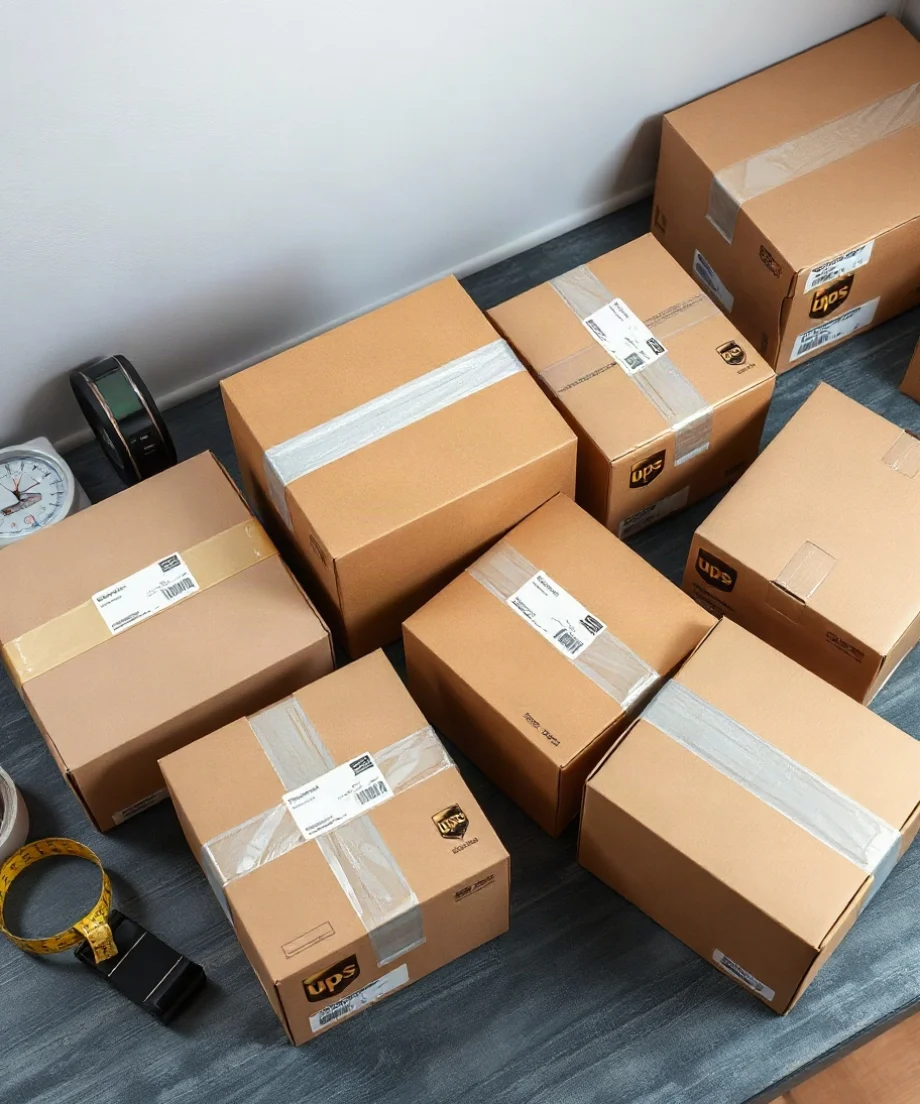
You may also choose separate shipments when the boxes have different delivery requirements, different declared values, different contents, or different service levels. For example, one box containing a time-sensitive item might need an expedited service while the remaining boxes can travel using a less expensive option. In that situation, follow the shipping platform's instructions for creating distinct shipments instead of forcing every package into one transaction.
Prepare and Measure Every Box
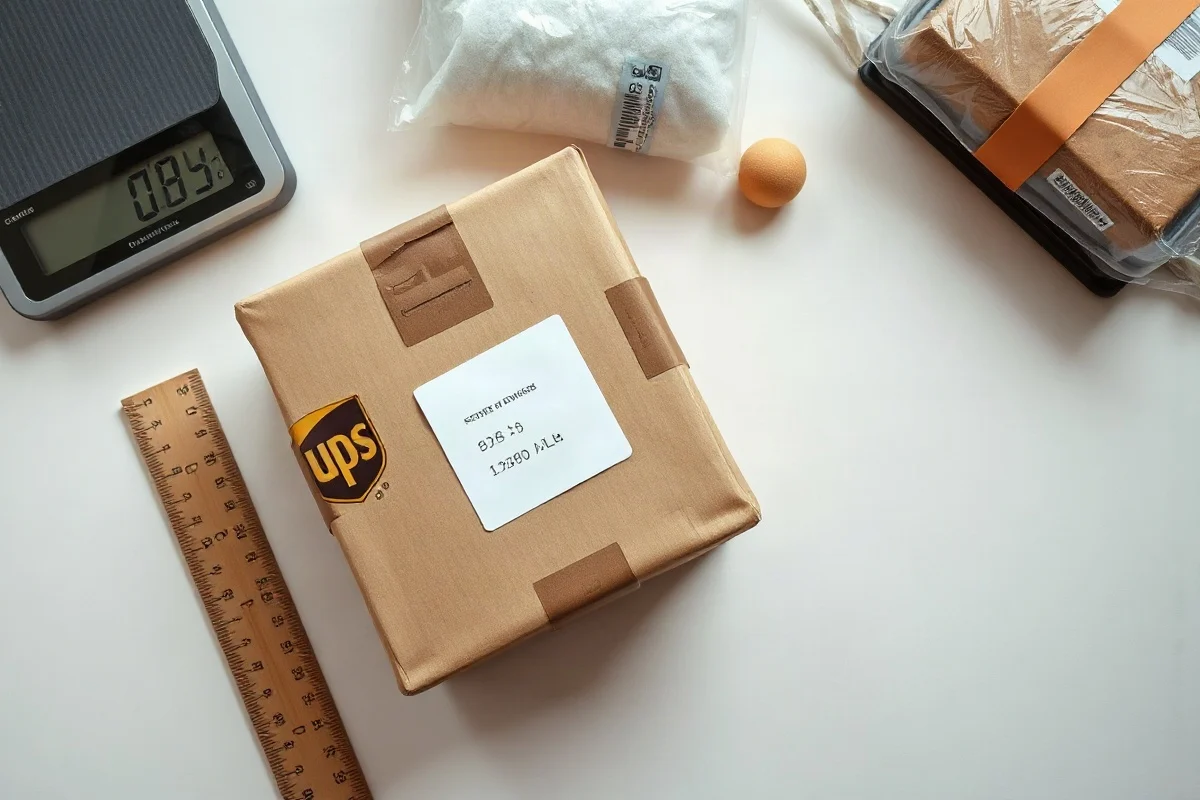
Do not estimate the dimensions of a group of boxes by adding their lengths together. UPS evaluates packages individually, so measure each finished, sealed package after the contents, padding, tape, and labels are in place.
How to measure a package
Measure the outside of the box at its longest, widest, and thickest points:
- Length: the longest side of the package.
- Width: the side next to the length.
- Height: the remaining dimension.
Record the measurements in the unit required by the shipping tool, usually inches for U.S. shipments. Round measurements consistently according to the instructions shown in the current UPS system. If a box bulges, has an irregular shape, or contains a protruding part, measure the maximum outside dimensions rather than the nominal size printed by the box manufacturer.
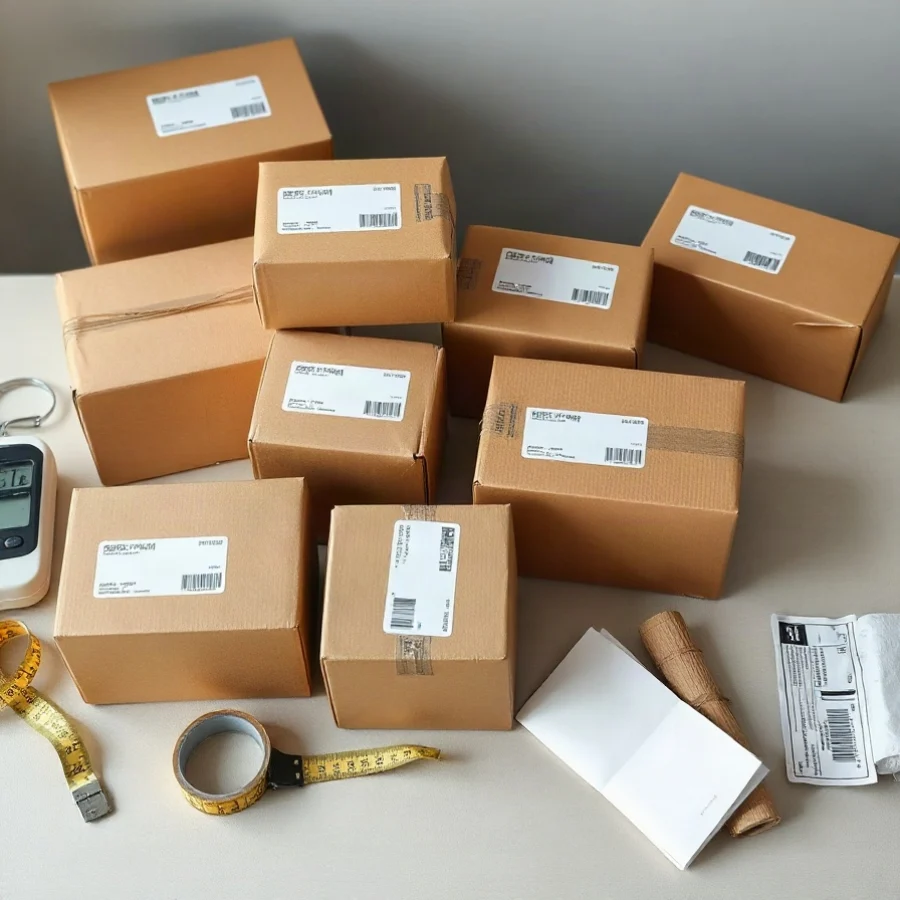
Weigh every completed box separately. A scale reading taken before adding the final tape, protective material, or paperwork can be lower than the actual billable weight. For a practical way to check package measurements and weight calculations, use the Box Size Calculator before purchasing labels.
Check Dimensional Weight for Each Package
Large, lightweight boxes may be rated by dimensional weight instead of their actual scale weight. The general calculation is:
Dimensional weight = (length × width × height) ÷ dimensional divisor
The applicable divisor and rounding method can depend on the service, package type, destination, and current UPS terms. Do not assume that the same divisor applies to every UPS shipment. Compare the calculated dimensional weight with the actual weight using the current rules shown in the UPS rate or label system. The billable weight is generally based on the applicable higher value, but the exact treatment should be verified for the service you are buying.
For example, suppose one finished box measures 20 by 16 by 12 inches. Its outside volume is 3,840 cubic inches. That number is not, by itself, the shipping charge or the dimensional weight. It must be divided by the current divisor applicable to that shipment, then compared with the package's actual weight under the current UPS rules. Repeat the calculation for every box; do not combine the volumes unless the official rating tool specifically instructs you to do so.
You can also review a Dimensional Weight Calculator to understand how box size affects billable weight. Use it as a planning aid, then confirm the result in UPS's current shipping system.
Create Labels for All Boxes
When creating the shipment, enter the recipient's name, street address, city, state, ZIP Code, and contact information carefully. Then add each package separately, including its weight and dimensions when requested. If the contents, value, or package type differ, enter those details for the correct box rather than copying them automatically to every package.
Before printing, check the package count. If you are sending four boxes, you should normally expect four package labels, although the number and format of additional documents can vary by shipment type and destination. Each label should identify the same destination while also carrying its own tracking information.
Print the labels clearly on white paper or approved adhesive label stock. Place one label on a flat surface of each box, preferably on the largest side. Keep the label away from seams, corners, folds, heavy tape, and areas where it could be covered by another sticker. Do not wrap the label around an edge because scanners may not read it reliably.
Match every label to the correct box
If the boxes contain different products, label the contents internally before applying the shipping labels. A simple internal note such as “Box 1 of 4” can help the recipient, but it does not replace the official UPS label or tracking number.
After printing, match each label to the package record. A useful method is to write a temporary inventory note containing the box number, contents, scale weight, measurements, and tracking number. Remove or cover old barcodes and shipping labels from reused boxes. An old barcode can create confusion during handling or scanning.
Pack the Boxes for Independent Handling
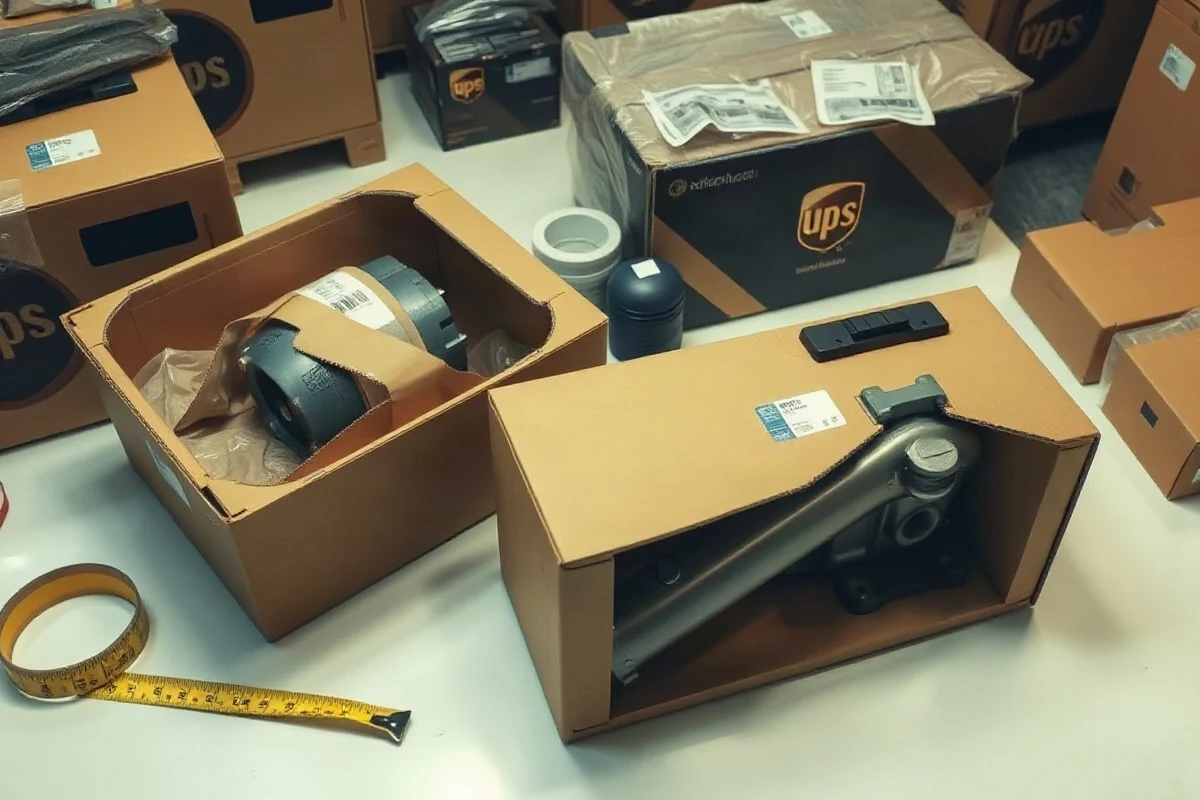
Packages shipped to the same address may be separated during sorting and transportation. Pack every box as if it might travel alone and experience normal handling without support from the other boxes.
- Use a strong box that fits the contents without excessive empty space.
- Fill voids so products cannot move freely inside the carton.
- Wrap fragile items individually and separate them from the box walls.
- Place heavier items below lighter items when several products share a box.
- Use pressure-sensitive shipping tape over all major seams.
- Keep the total weight appropriate for the carton and the contents.
Do not strap or tape multiple boxes together and treat them as one package unless the current UPS service instructions explicitly permit that preparation. Bundled boxes can separate, labels can become obscured, and the resulting package may not match the dimensions or weight entered when the label was purchased.
For fragile or high-value contents, consider using stronger internal protection and documenting the packing process. Declared value, claims handling, prohibited items, and packaging requirements may depend on the contents and service, so check the current UPS terms before shipping restricted, regulated, or unusually valuable goods.
Keep a Tracking List
Save the shipment confirmation and make a simple tracking list with the recipient's name, shipment date, package count, box number, tracking number, and contents. This list helps you determine which package is delayed if the boxes do not move together.
Send the recipient all relevant tracking numbers. Multiple packages addressed to the same location can receive scans at different times, and one box may be delayed by a sorting issue, weather, an address question, or another operational event. Tracking each package individually is more useful than checking only the first number in the shipment.
After delivery, compare the tracking results with the expected package count. If a box is missing, use its individual tracking number when contacting UPS or filing a service inquiry. The specific process and available options can change, so use the current UPS tracking and support instructions.
Ways to Reduce Cost and Delivery Problems
The easiest savings often come from reducing unnecessary package volume rather than changing the destination information. Choose a box that protects the contents without leaving large empty areas, but do not compress or overfill the carton. A smaller safe box can reduce dimensional weight and make handling easier.
Compare the total cost of shipping several smaller boxes with the cost of fewer larger boxes. The result depends on actual weight, dimensions, the selected service, destination, accessorial charges, and any account-specific pricing. Use current UPS pricing rather than relying on an old quote or a general online estimate.
Check the delivery address before purchasing labels, especially apartment numbers, suite numbers, company names, and ZIP Codes. A small address correction can create delays or additional charges. If the recipient has special delivery instructions, confirm whether the selected UPS service supports them; do not assume that a note on the label changes the carrier's delivery procedure.
When to Use Separate Shipments
A single multi-package shipment is not always the best choice. Create separate shipments when the packages are going to different recipients, require different delivery dates, use different billing information, or contain items that must be handled under different rules. Separate shipments can also be appropriate if the shipping platform cannot accurately represent the packages in one transaction.
If a marketplace, fulfillment program, or business shipping system gives you specific instructions, follow that system's current requirements. Marketplace rules and fulfillment labels can change, and a carrier label may not substitute for a platform-generated label. For general guidance on package preparation and shipping calculations, review the UPS Package Guide and confirm time-sensitive details with UPS before dispatch.
In short, shipping multiple boxes to one address is straightforward when every package is treated as its own shipment unit. Pack and measure each box, create one valid label per box, verify the package count, preserve every tracking number, and check the current UPS rules for the service and destination you are using. That process reduces mislabeling, improves tracking visibility, and helps prevent surprises from inaccurate dimensions or weights.
Comments
0No comments yet. Be the first to share a helpful note or question.
Leave a Comment
Your email address will not be published. Comments are reviewed before appearing on the site.